Description
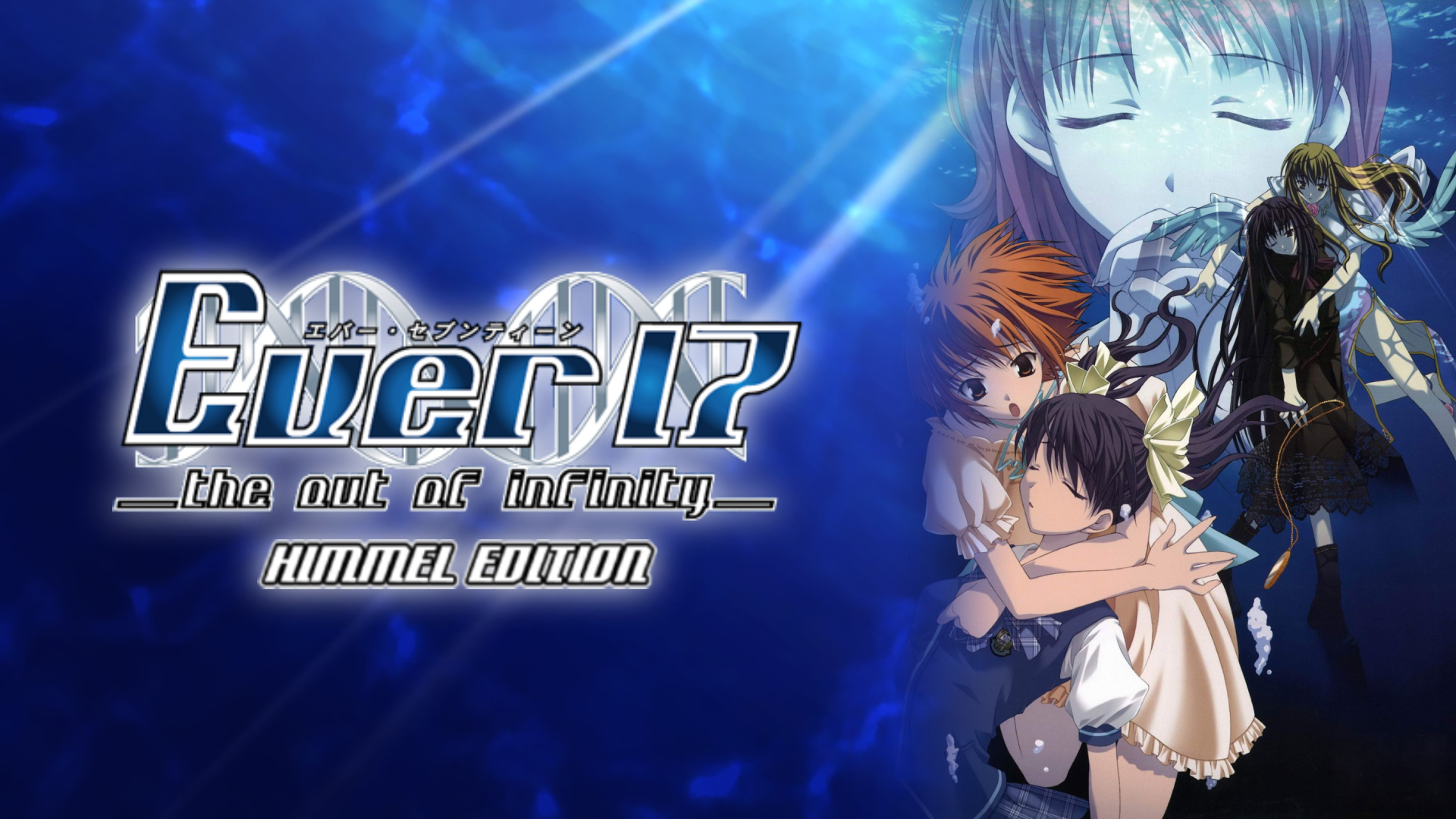
Ever17 is the tale of seven individuals who become trapped 51 meters below the surface in the underwater marine theme park 'LeMU'. After an incident, almost half of LeMU becomes flooded, and the path to the surface and the communication lines are cut off. In addition, LeMU is under constant assault by severe water pressure, limiting time to find a means of escape to 119 hours. Escape is not the only concern, however; many questions arise as to the legitimacy of the accident and whether or not those trapped there were brought there for a purpose.
[From Wikipedia] Notes
The PS2 BGM + Voice + SFX Patch restores the original background music, voices and sound effects present on the PS2 version. This patch was made because the PC release had to be compressed a lot (PCs in the 2000s were inferior to consoles), so the final result ended up sounding pretty bad. As it's better to experience these games in the best way possible, this patch is highly recommended.
FAQ
How do I run the game? There are too many .exe files
To run the game you need to execute the "ever17PC_us.exe" file and leave every option by default.
How do I use Magpie?
First you need to start Magpie by double clicking the .exe file. Once Magpie is open you need to select a scaling factor (for this game 3x is recommended) and a scaling model. As mentioned above, CuNNy is highly recommended, but if you don't want to use an AI model you can use Lanczos.
After everything is configured properly, you can start the game (in windowed mode) and press the shortcut "Alt+Shift+Q" to activate the upscaling. With that done, a menu should appear on the top with a bunch of options, just select the option to play in fullscreen.
How do I apply the patch separately?
First download the patch from the Downloads section and unzip the compressed file. That should leave you with an .exe file. Execute it and when you're prompted to select a folder to apply the patch, DON'T SELECT THE GAME FOLDER, just select a random folder in your system, and the application will start extracting the game files. Once the application finishes extracting the files, you'll see a new folder inside the one you selected previously. Enter the folder, copy its contents and paste them inside the game folder, replacing all of the files when you're prompted to.
Why can't I play the remake that's available on Steam?
The remake is not intended if it's your first time playing this game. You are better off playing it after finishing Ever17 - Himmel Edition, as the remake deviates a lot from the original game, spoiling a lot of major plot points early on, while also changing the script significantly, affecting the overall understanding of the plot.
Also, Uchikoshi and Nakazawa did not participate in the production of this remake at all, they were replaced by Shikura Chiyomaru (creator of the Science Adventure) for the production and Yamada Shichirou for the scenario reconstruction.
If you still want to experience this game after playing the original, you can purchase the game here.