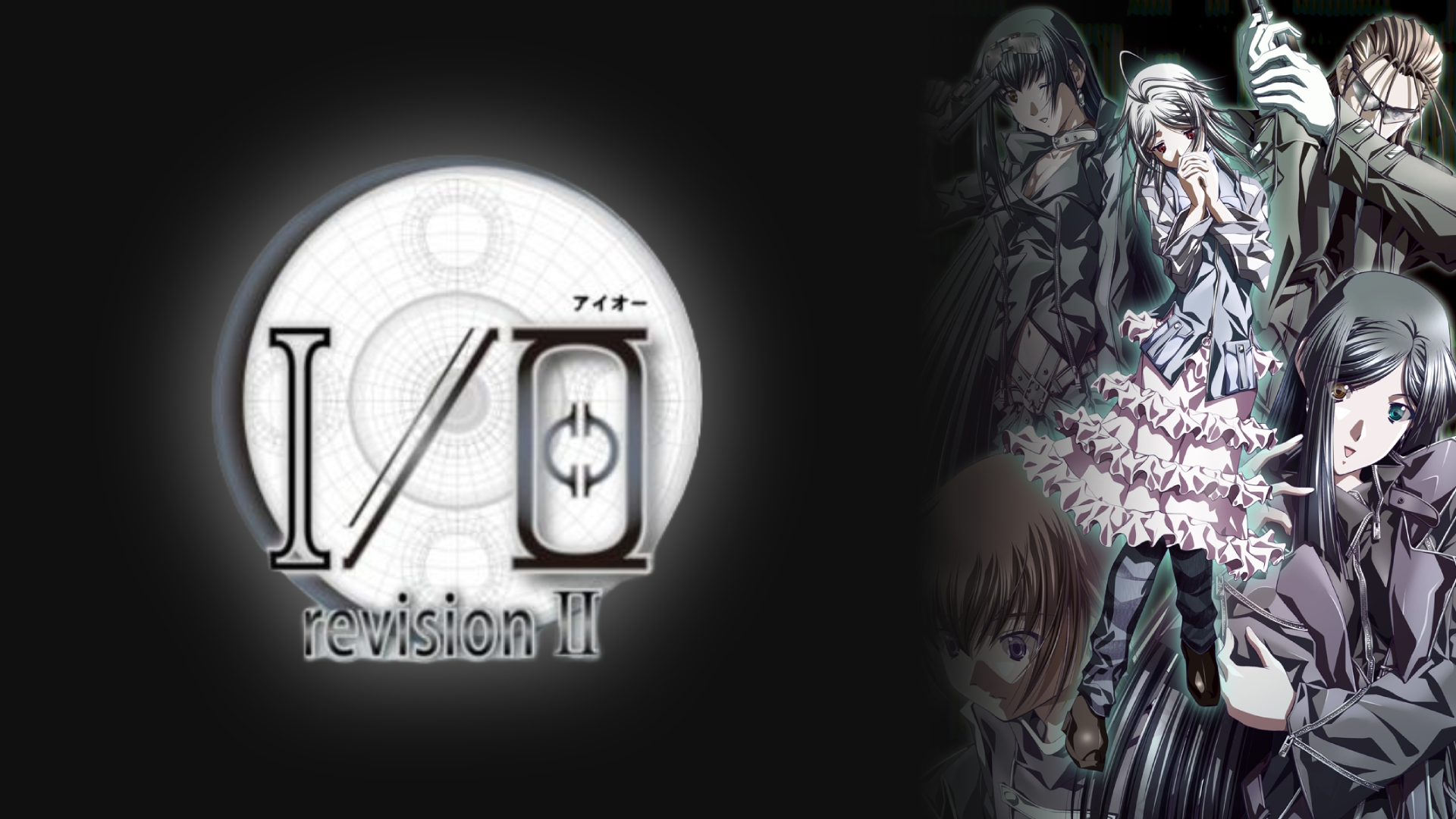
アイオー

I/O revision II

January 26, 2006

Downloads

Base game:
  • I/O revision II [Torrent] [Direct]
  • Make sure to run "ioregadd.bat", because the game needs to modify some registry stuff to work properly.
Locale Emulator (mandatory):
  • Locale Emulator
  • You need to right click on the game executable and select "Locale Emulator > Run in Japanese". You can skip the locale emulator if you already have a way to run Japanese games on your computer.
Upscaler (recommended):
  • Magpie
  • CuNNy model is recommended for better results, but if you don't want to use an AI upscaler you can always use something like Lanczos.

More information

Description

April 26th, 2032 A.D. - Megalopolis Tokyo - 12:12 in the morning.

A total lunar eclipse occurs for the first time in 3 years. Even though it's supposed to be a simple astronomical phenomenon, it soon sets off a series of unexpected events. Unexplainable mysteries, terrorist incidents, and network crime surge as if in unison. The truth mixes with lies, as if the world is awake but still sleeping.

Something has begun. Somewhere no one can see. Something no one knows about.

This is a story of the chance meeting and tragic parting of the young men and women living in this world.

And thus...

"The beginning is the end, and the end is the beginning"

[From VNDB]

Opening

FAQ

How do I run the game? There are too many .exe files

To run the game you need to execute the "io_r2_en.exe" file through the locale emulator.

How do I use Magpie?

First you need to start Magpie by double clicking the .exe file. Once Magpie is open you need to select a scaling factor (for this game 3x is recommended) and a scaling model. As mentioned above, CuNNy is highly recommended, but if you don't want to use an AI model you can use Lanczos.

After everything is configured properly, you can start the game (in windowed mode) and press the shortcut "Alt+Shift+Q" to activate the upscaling. With that done, a menu should appear on the top with a bunch of options, just select the option to play in fullscreen.